Build #937: Humble Widget support & more!

On the 8BitMMO.net in-browser and Standalone Desktop editions of the game, there is a new purchase option for those who want to support development: Humble Widget.  I know a number of players have requested PayPal support, and via Humble Widget you can pay using PayPal or Amazon Payments.
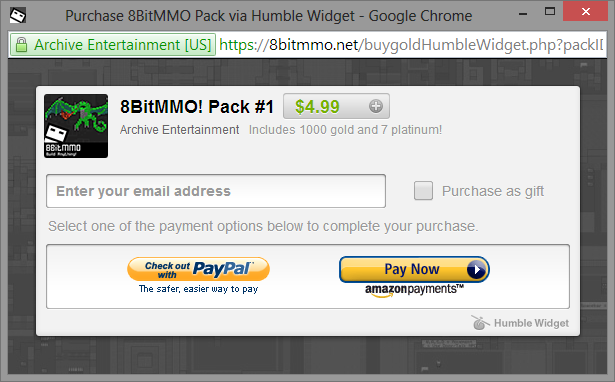
humbleWidget

The Humble Widget will give you a redeemable token you can use in-game.  You can purchase for yourself or as a gift.

There’s also a couple of bug fixes today:

Telepads bug fix – Fix for telepad sending players to root if destination is in player’s inventory

Improved Outlining – Outlining now recalculates when entering/leaving overhead areas.  This can cause a 4~25ms lag hitch whenever tiles above you hide or are shown, but makes it considerably easier to see what’s going on — especially underground areas or other locations where the same tile is re-used.

Share

8BitMMO now has Music!

One of the features requested by many players is music.  I’m excited to announce that music is now in 8BitMMO!

Amazing chiptune artists Danimal Cannon, Zef, PROTODOME, and Honin Myo Audio have agreed to let me use a number of their excellent songs in-game.  All told there is now 82 minutes of high quality music included.  Select tracks from these albums are included:

cover PROTODOME - BLUENOISE - cover
PROTODOME - BLUESCREEN - cover PROTODOME - BLUESHIFT - cover a4248483347_10

The tracks played are dependent on the area you’re in: Town areas will play more relaxed songs, Wilderness areas will play adventurous tracks, and PVP/PVE areas will play actionful combat music.  And when you level-up, there’s a special track for that too!

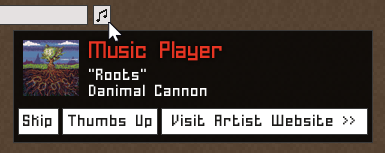
Whenever you’re curious about the current song playing, hover over the music information box at the top of the screen:

music information window
Music Information Window
  • Skip – skips the currently playing song
  • Thumbs Up – lets me know you like the currently playing song.  Over time, I will be able to see what everyone’s favorite songs are and prioritize the playlists accordingly
  • Visit Artist Website – if you enjoy the song, go to the artist’s website to download it!

Also, you can now modify music/sfx volume in options.  These volume level settings will be saved between sessions.

Getting the Update

Steam – Allow Steam to update the game then relaunch from Steam.

Desktop Edition – Download the latest Desktop Edition Launcher from here.

Web Applet / Kongregate / Amazon Editions – When in-game, simply hover over the music icon and click “Download Music!”.  The music files will download in the background and begin playing automatically after the download is complete — it’s 130 megs, so it might take a minute 🙂

Share

Updates 1/29

  • You can no longer fight the darkness (swords don’t cause shadows to go away)
  • Fixed bug where sometime items would pickup/drop items when closing windows
  • Fixed bug where some windows would let you pickup/drop items through them accidentally
  • Can no longer place objects inside terrain you don’t own (previously it was possible to get objects stuck inside terrain and impossible to get them back)
  • Steam In-Game Purchasing added.  Now you can purchase packs in-game, instead of having to go through a web browser.  There is a small bug with this currently though, so please see note below.

Special Note about Steam In-Game Purchasing

There is currently a bug I am investigating where if you launch the game via Steam, you can only perform one in-game purchase per time you restart the game.  The first purchase per session works perfect.  On the second purchase, it will bring up the popup and you will not be able to click ‘Authorize.’  Don’t worry if you hit this bug – this does NOT bill your account.  In order to make a second purchase, restart the game.  I am currently asking Valve on how to fix this bug and hope to have a fix soon.

Share

Custom Key Binds

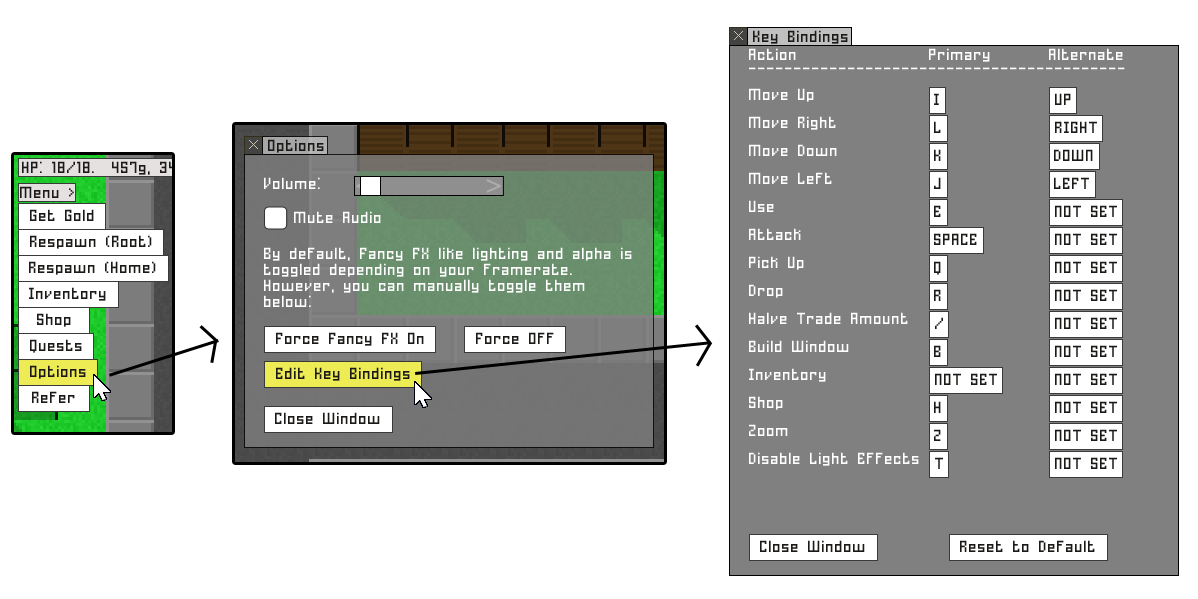
In build 923, just released, you can now customize your key binds.

keybinds

Want to use Z,Q,S,D to move instead of W,A,S,D?  Now you can!  Just go to Menu > Options > Edit Key Bindings.  You can change your key bindings in any version of the game.

Note that if you use the web edition, you will have to restart your browser and clear your cache to get this update.  If you don’t have a Edit Key Bindings button on the Options screen, you are not on the most recent build (923).


Share

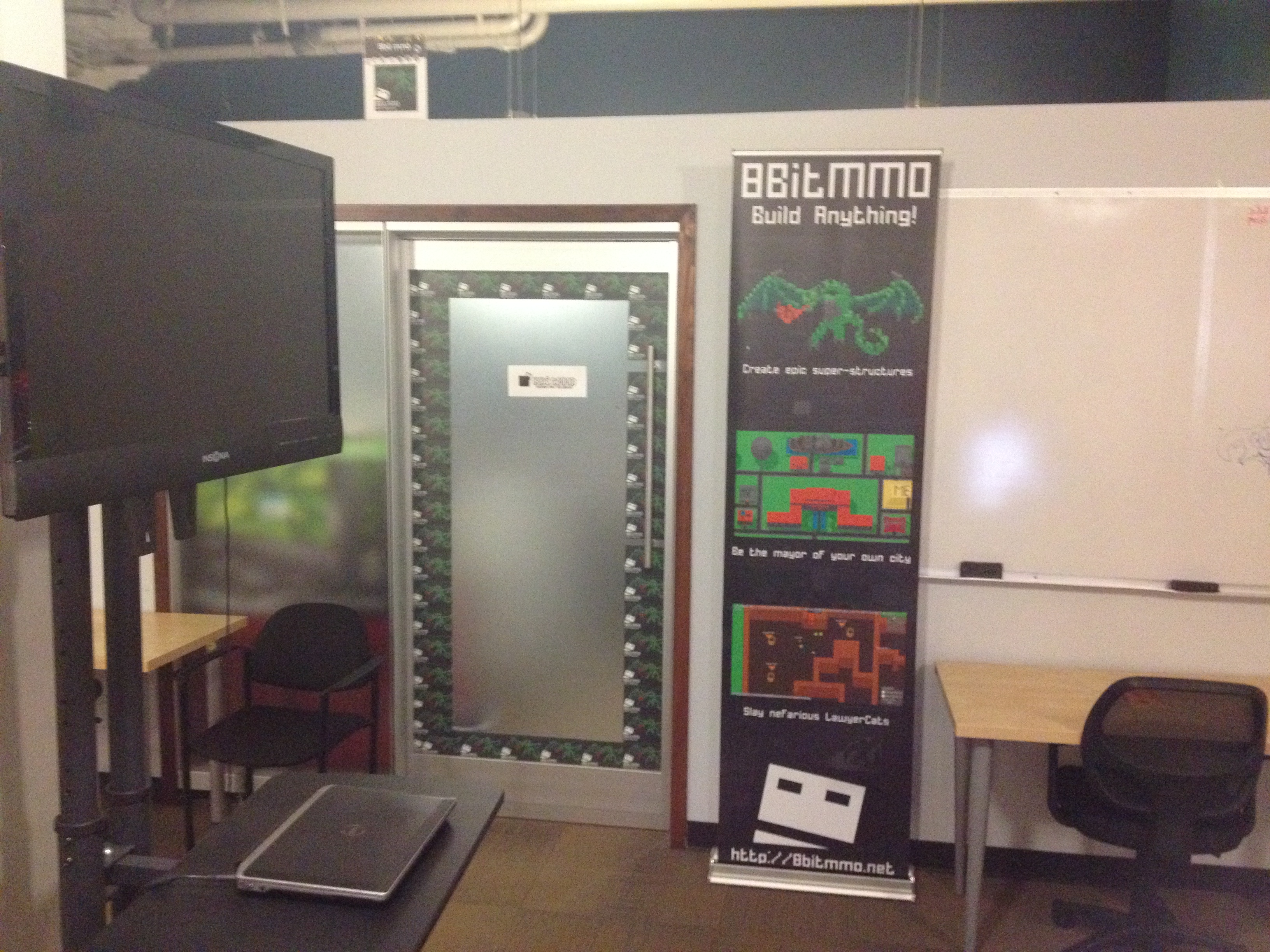
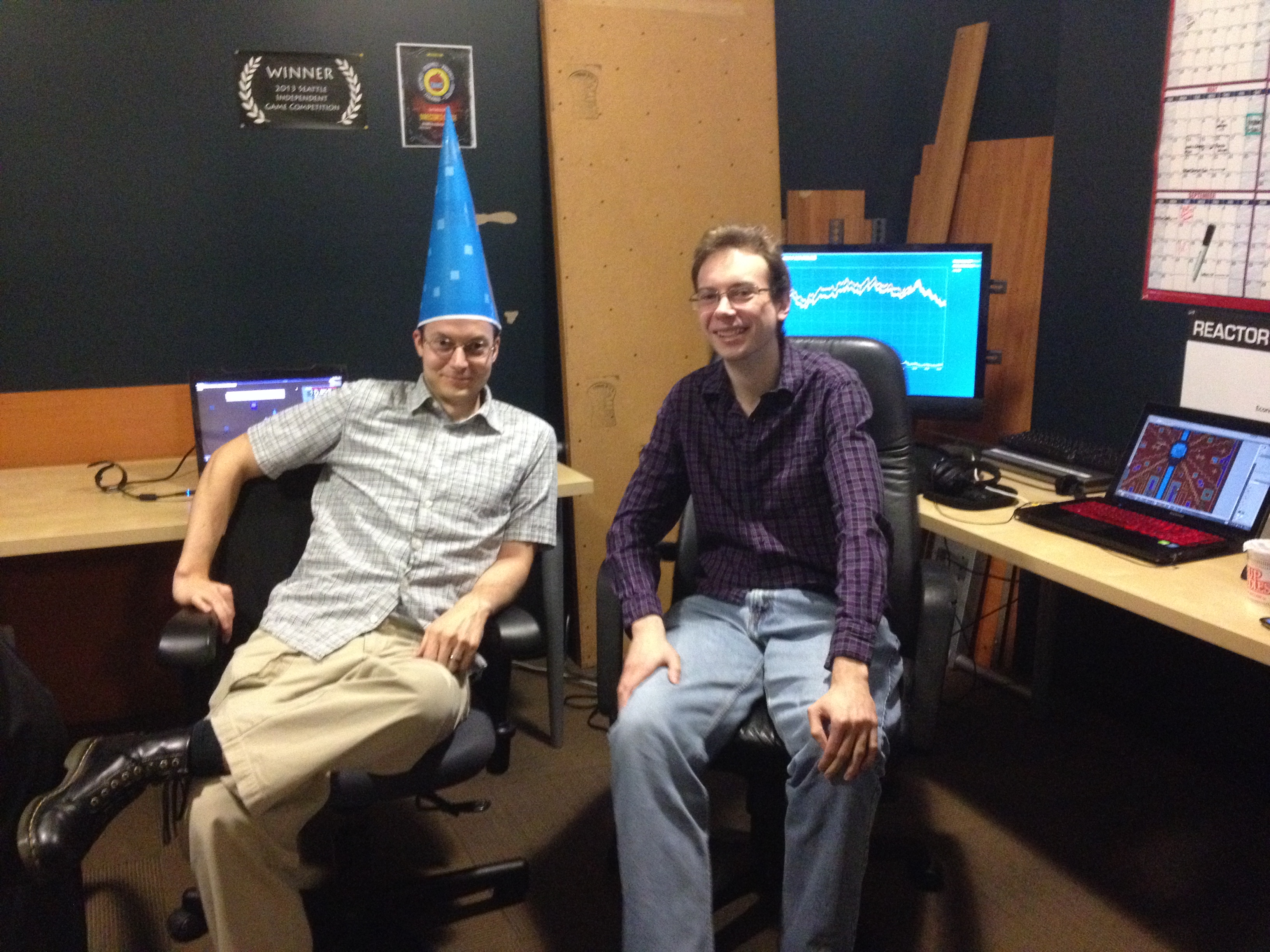
The 8BitMMO Headquarters / Supply Closet

We’ve snuck into REACTOR’s supply closet and set up shop there.  I’m pretty psyched about our new digs:

View from the outside
Inside
Inside
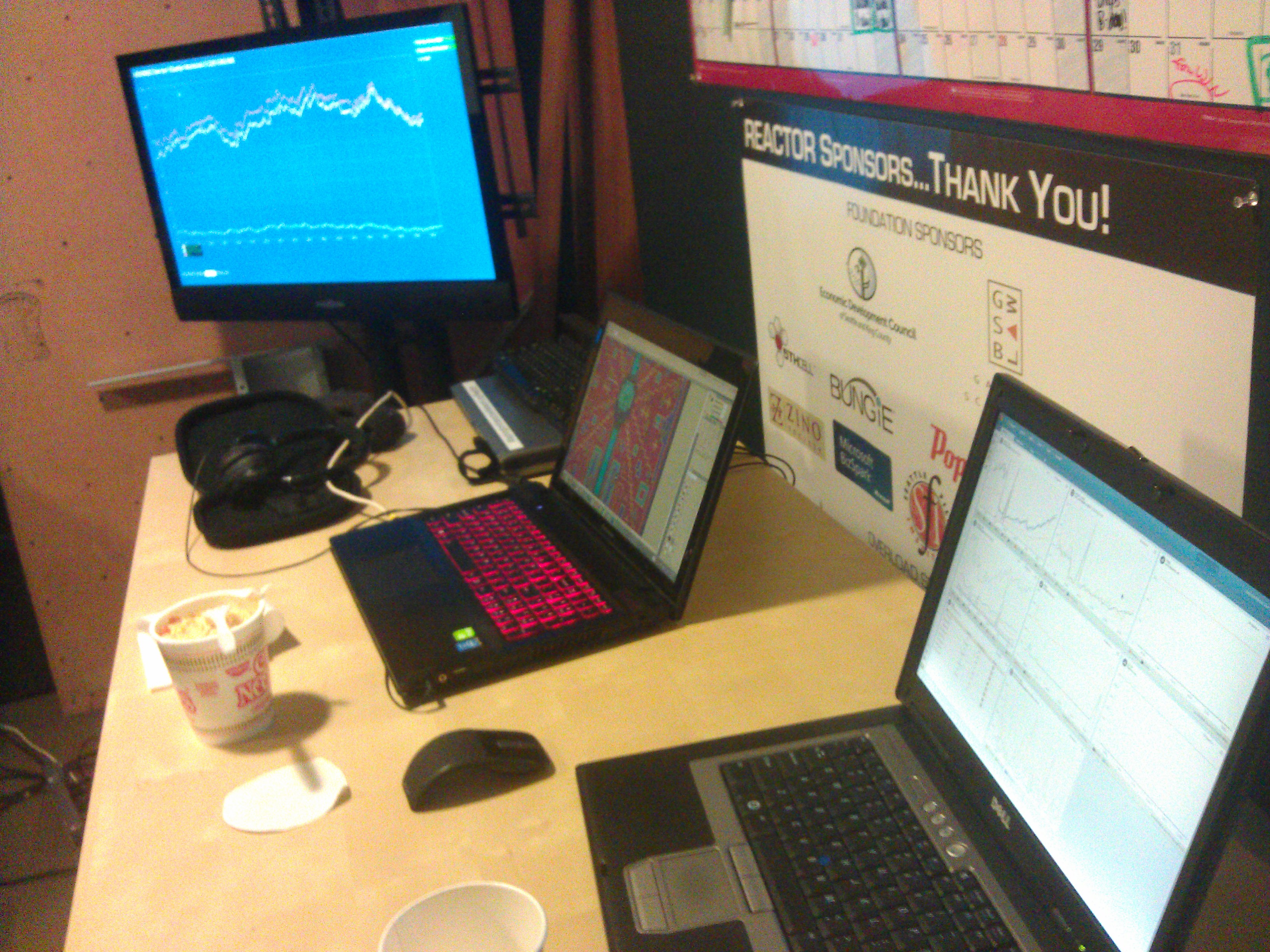
My desk
My desk – the displays on either side are monitoring real-time server status.  The blue monitor turns red if a server is down.  Also: ramen.

We’ve also got a white board, but it is full of secrets. 😉


Share