Reminder window fancyness increased by 6 galactic units

In tonight’s 2:30am-i’m-super-exhausted-update-even-though-2:30-is-super-early, we bring you:

  • Quest reminder window highlights changes, so as you kill mobs there’s a little animation to go with that
  • Quest reminder window glows green when a new quest is added
  • Quest reminder nicely lines up dashes and line breaks after dashes
  • Pumpkins are out of season, and so no longer in the shop.  Although I would TOTALLY eat some pumpkin pie right now, because I forgot to get in on that during Thanksgiving.  That has nothing to do with this update though.
  • Monsters no longer try to attack disconnected players
  • Swording can only be done every 100ms now

Tentative target date for Steam launch is Friday the 13th (lucky!), although this could shift.  I plan to send out keys to ALL beta requestors after we’ve moved over to the new shiny servers — early next week.

zzz -_-

Level Doors

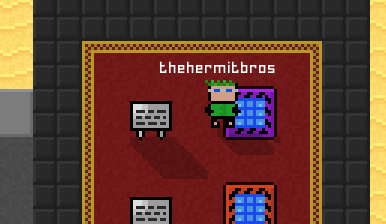
You can now build Level Doors that only allow players of a certain level to open them.  Additionally, this door will only open for that player, so it is impossible for lower level players to sneak through.

You can set the level by getting close to the door and doing /leveldoor <minimum level number>

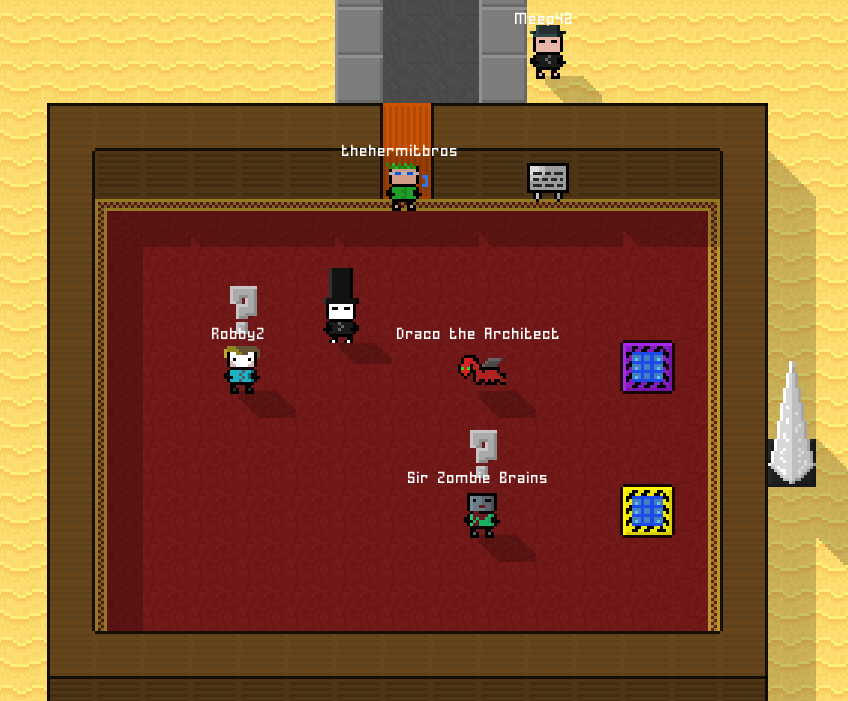
I’ve rearchitected Root to take advantage of these — now you have to do some Draco & Zombie quests and finish Level 1 before you can wander out to the wider world.

newroot

Other changes today:

  • EXP bar increases show during dialogue again
  • Players can now drop any sword except the white starter sword
  • IRC no longer shows every single join/quit message (it was getting a bit overwhelming.  Now it just shows player count every minute)

Introducing… Pocket Universes!

pocket universe

Hot off the heels of the new map launch, I’m adding a new place for you to build in.  Your very own Pocket Universe.

When you use the Pocket Universe Telepad in Root, you’ll be transported to a universe of your very own.  There you can build, without worrying about nearby monsters or someone building near you.  By default, no one else can build in your universe, it’s all yours.  Just like any other map, it will persist across server reboots.

You can invite friends over to your Pocket Universe with a Homestone, or set up a telepad/publicpad if you prefer something more permanent.

If you want, you can upgrade your Pocket Universe with a Town Stone.  Doing so will increase the space from 2×2 regions to 3×3 regions, as well as let you have friends build there.  Other town functionality is supported as well, including the ability to further expand the size of the Pocket Universe with /townexpand.

Other changes:

  • You can now build towns on the edges of the world (again)
  • If an NPC grants XP during a conversation, the player’s Level/XP bar should be displayed (this bug fix is WIP)
  • Menu button now shows during the pit NPC conversations
  • You can’t accidentally place objects off in the black void anymore

Desktop & Steam Launcher v2

I’ve done some re-writes today for the Desktop & Steam Launchers today:

  • Steam launcher will let you register/login directly from the launcher instead of having to go in-game
  • Launcher now supports basic load balancing
  • Background image visible on server select page

If you’re playing on Steam, the launcher will auto-update.  If you using stand alone desktop edition, you can get it through the Mega portal.