
After spending three days rendering more than 65,000 screenshots… the map is done!
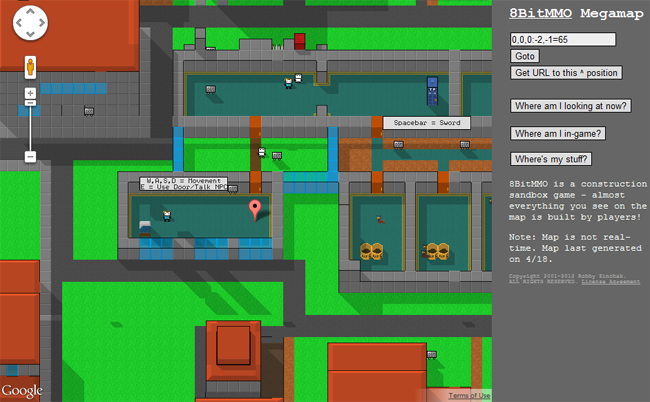
You can browse the map as a guest by heading over to 8BitMMO.net/megamap. Or even better, launch the map from in-game via Menu > Map to see a marker of where your character is.
The map has a number of nifty features:
Go to any position – Type any coordinates (you can use full coords such as 0,0,0:0,0=65, or just region coordinates 0,0) to see that location in the map.
Get position you are looking at – If you are scrolling around and wondering where a given position is so you can visit it in-game, click ‘Where am I looking now?’ – the answer will be shown in the coordinates input box.
Get URL to this position – Click this to get a URL to the position entered in the coordinates box. Great for sharing your work with friends!
Where am I in-game? – (only if map launched from in-game) Shows your character’s position from when you first launched the map
Where’s my stuff? – (only if map launched from in-game) If you have lost your building, click this to find out which areas contain your blocks. Clicking a given position listed will zoom the map there and place a marker nearby.